Ages 6–15 • Foundation First

Start Your Child’s Coding Journey with the Right Foundation

Fun, practical coding for children aged 6 to 15, starting from the right level.

No previous experience required
Small learning groups

Visual Coding Studio

EventsMotionControlLooks
When the green flag is clicked
Repeat 4 times
Move 10 steps
Say: I made my first game!
The blocks are connected correctly

Game Stage

Running
I can code!
⭐

Drag and connect blocks

See the result instantly

Today’s achievement

Built a first visual mini-game

Age-appropriate learning

Hands-on activities

Small learning groups

Regular parent updates

Choose Your Coding Adventure

Fun coding programs designed for every age

Children do more than watch code. They move characters, create stories, build games, and progress towards real coding projects step by step.

Every child starts at the right level

No previous experience is needed. Children begin with visual coding and playful activities, then gradually move to Python or JavaScript as they grow.

Level 1

Learning Level

Coding Explorer

Visual Coding Foundations

A fun introduction to programming through visual blocks, interactive stories, animations, and creative coding challenges.

What students will learn

  • Arranging commands in the correct order
  • Using events, loops, and simple conditions
  • Controlling characters and interactive elements
  • Turning ideas into small coding projects

Final Project

An interactive story, animation, quiz, or simple coding challenge

8

Sessions

60

Minutes per session
Level 2

Learning Level

Creative Coder

Advanced Scratch & Blocks to Code

Students build advanced Scratch projects, strengthen their programming logic, and discover how visual blocks connect to written code.

What students will learn

  • Using variables, conditions, loops, and lists
  • Building with messages and custom blocks
  • Testing, debugging, and improving projects
  • Translating visual blocks into simple written code

Final Project

An advanced interactive application with a first real-code challenge

10

Sessions

60

Minutes per session

Level 3

Learning Level

Future Developer

Real Coding & Technology Paths

Students move into written programming, build practical projects, and explore Frontend Development, C++, Python, and other technology paths.

What students will learn

  • Understanding programming fundamentals
  • Using variables, conditions, loops, and functions
  • Building websites and practical programs
  • Choosing a specialized technology track

Final Project

A real website, console application, or practical coding project

12

Sessions

75

Minutes per session

No previous experience needed — we start from the first step
Skills

Coding Is More Than Writing Code

Our goal is to help children develop a way of thinking that supports them both inside and outside programming.

Logical Thinking

Build stronger logical and analytical thinking skills.

Problem Solving

Break complex challenges into clear and manageable steps.

Planning & Organization

Plan tasks and follow an organized process from start to finish.

Creativity

Turn creative ideas into practical digital solutions.

Experimentation

Test different ideas and learn through practical experience.

Debugging & Patience

Find mistakes, improve solutions, and keep trying patiently.

Communication

Explain ideas and present projects clearly and confidently.

Confidence & Persistence

Develop confidence, persistence, and a positive attitude toward learning.

Skills that grow with your child

The goal is not only to understand code, but to think clearly, solve problems, communicate ideas, and keep learning with confidence.

A Simple and Fun Journey

From a first idea to a game your child creates

Children follow clear and playful steps: choose an idea, connect blocks, run the project, and see the result instantly.

Learning through creating, not memorising code

Every stage includes a small activity or project that keeps children learning, experimenting, and enjoying the process.

  1. Step 1

    Choose a Fun Idea

    A story, character, or simple game your child would love to create.

    Closer to a first project
  2. Step 2

    Connect the Blocks

    Drag and connect commands to make the character move.

    Closer to a first project
  3. Step 3

    Run and Improve

    See the result instantly and make the game even better.

    Closer to a first project
  4. Step 4

    Show the Project

    Finish the game and proudly share it with family and the instructor.

    Closer to a first project
A Result Children Can See

A small idea becomes a project they are proud of

Instead of listening to long explanations, children create something real and watch their character and game come to life.

Fun Learning
A Real Project
More Confidence

My First Game

Ready to Play

Mission Complete!

The character moved and reached the star

Star Collected

Project Finished

Future Learning Tracks

Choose a Technology Path

After building strong programming foundations, students can continue into a specialized technology track.

Frontend Development

Build modern and interactive websites using HTML, CSS, JavaScript, and React.

Technologies

HTMLCSSJavaScriptGit

Backend Development

Build databases, APIs, authentication systems, and server-side applications.

Technologies

Programming LogicDatabasesREST APIsAuthentication

Mobile Application Development

Build Android and iOS applications using Dart and Flutter.

Technologies

DartFlutterWidgetsNavigation

iOS Application Development

Build native iPhone and iPad applications using Swift and SwiftUI.

Technologies

SwiftSwiftUIXcodeNavigation

UI/UX Design

Design clear and user-friendly websites and applications using Figma.

Technologies

FigmaUser ResearchWireframesUI Design

Cybersecurity and Ethical Penetration Testing

Learn networking, Linux, web security, and ethical testing inside safe training labs.

Technologies

NetworkingLinuxWeb SecurityOWASP

Start with the foundations, then discover the technology path that matches the student's interests.

No specialization is required before completing the programming foundations.
For Parents

Why Parents Choose Our Programs

Age-appropriate learning, practical projects, and regular updates help parents follow their child’s progress with confidence.

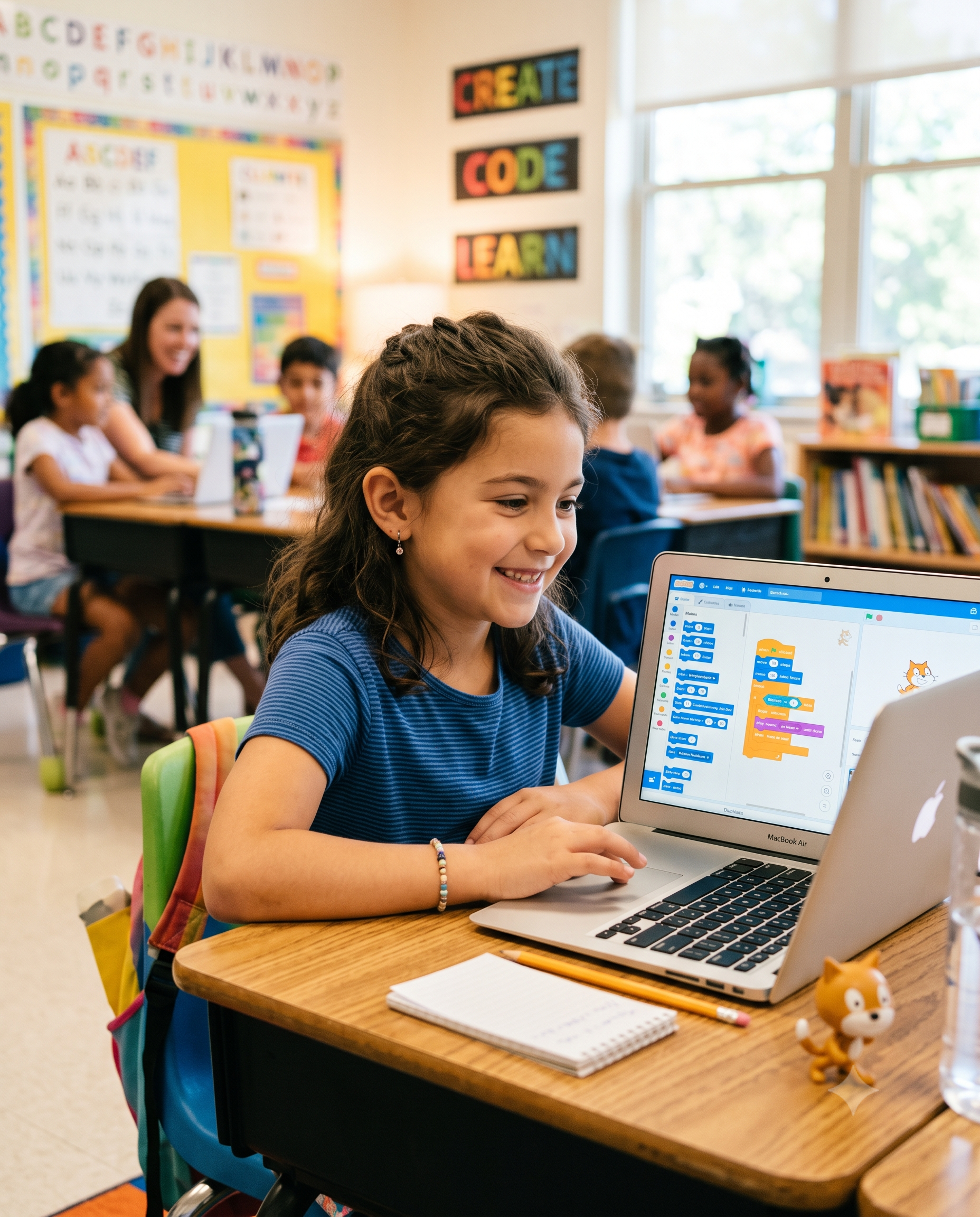
A child learning visual coding and creating a computer game
Practical and Fun Learning

Your child will do more than watch lessons

They will experiment, move characters, and create a game or story they can proudly share.

Fun Visual Coding
Projects They Create

You stay informed throughout the learning journey

Parents receive clear updates about attendance, participation, skills learned, progress, and the recommended next step.

Free Trial Booking

Book Your Child’s Free Trial Session

Share a few simple details and we’ll prepare a WhatsApp message so you can complete the booking in one tap.

Completely free trialTakes about one minuteNo payment required

Free Registration

Trial Session Details

Complete the form below and continue securely through WhatsApp.

01

Parent and Child Details

Start with the basic information we need to arrange the session.

02

Learning Preferences

Help us understand the most suitable learning path for your child.

03

Contact Preferences

Tell us the best time to contact you and add any useful notes.

Your information is not stored on the website. The completed request is sent directly through WhatsApp.

Parents’ Questions

Clear answers before your child begins

The essential information about starting age, programs, sessions, and the projects children will create.

Free Trial ClassBeginner FriendlyParent Support

Children can start from age 6. Activities and teaching methods are adapted to each age group, beginning with stories and visual blocks before moving gradually towards text-based coding.